

AC Chat is a clean, modern chat for QBCore, QBox, ESX and standalone servers, given away free.
WHAT IT DOES
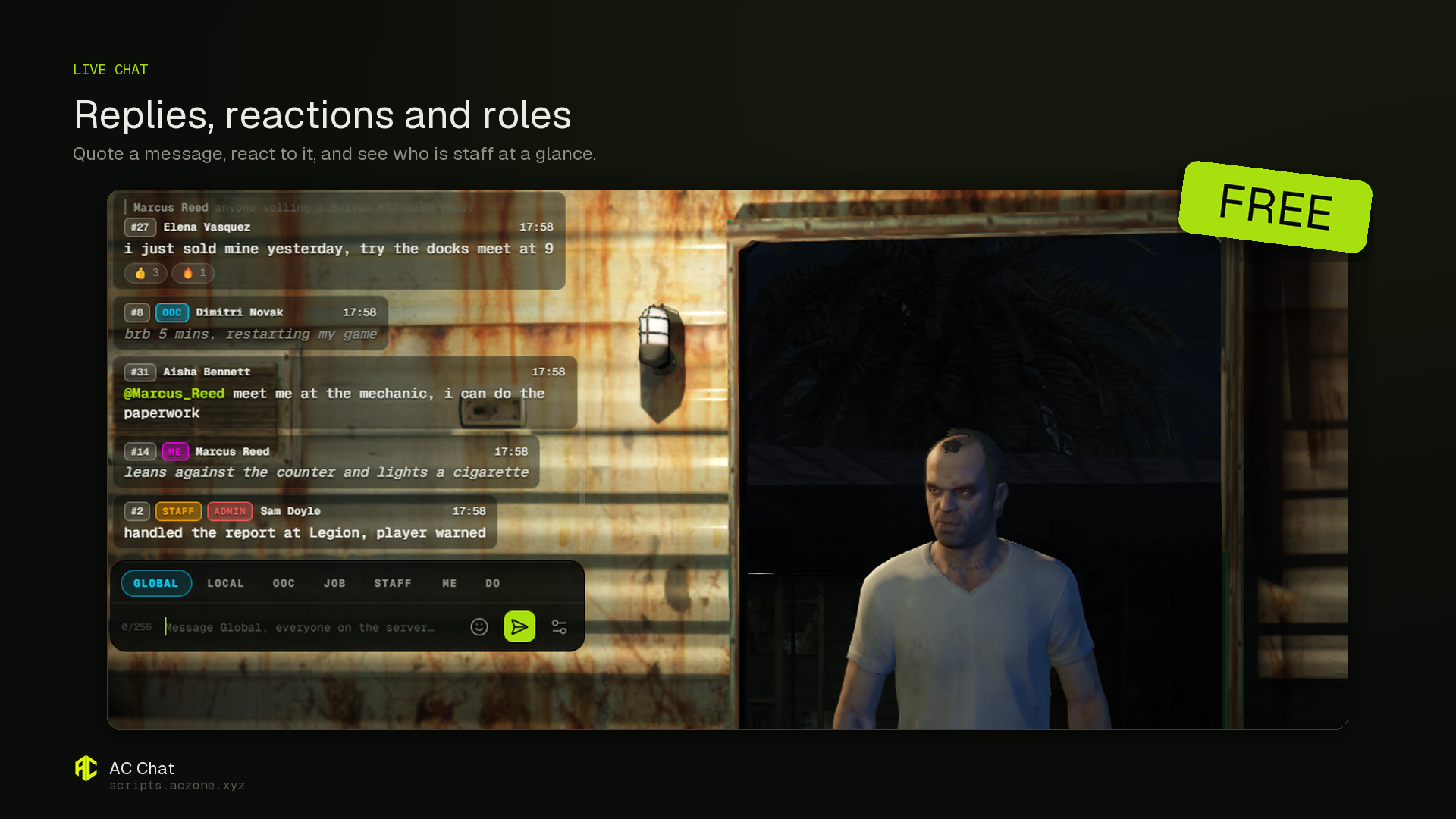
- Channels: Global, Local (proximity), OOC, Job, Staff, plus unlimited custom channels, each with its own colour, permission, cooldown and range.
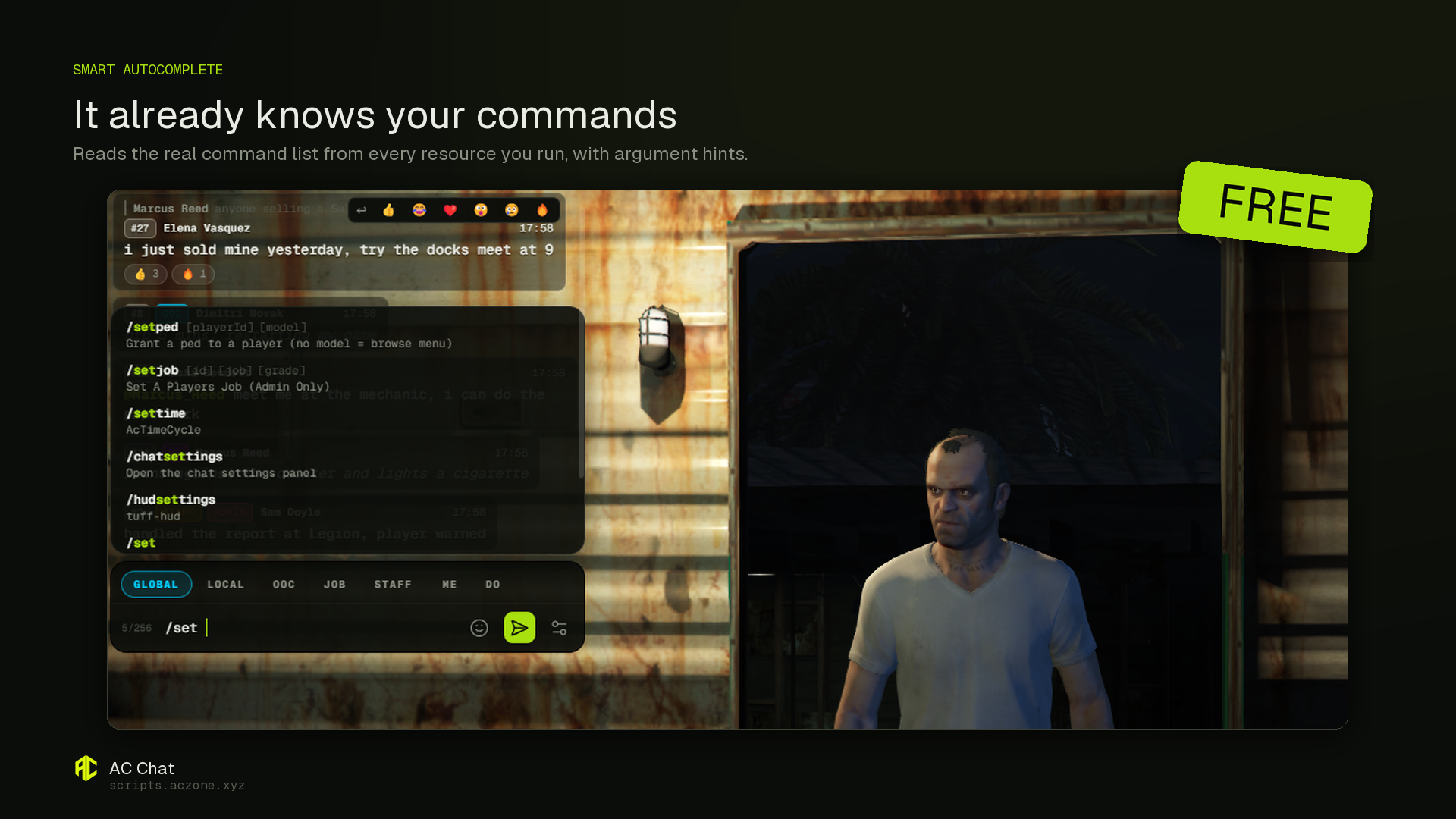
- Smart autocomplete that reads the real command list from every resource on your server and shows argument hints like /setjob [id] [job] [rank]. Nothing hardcoded.
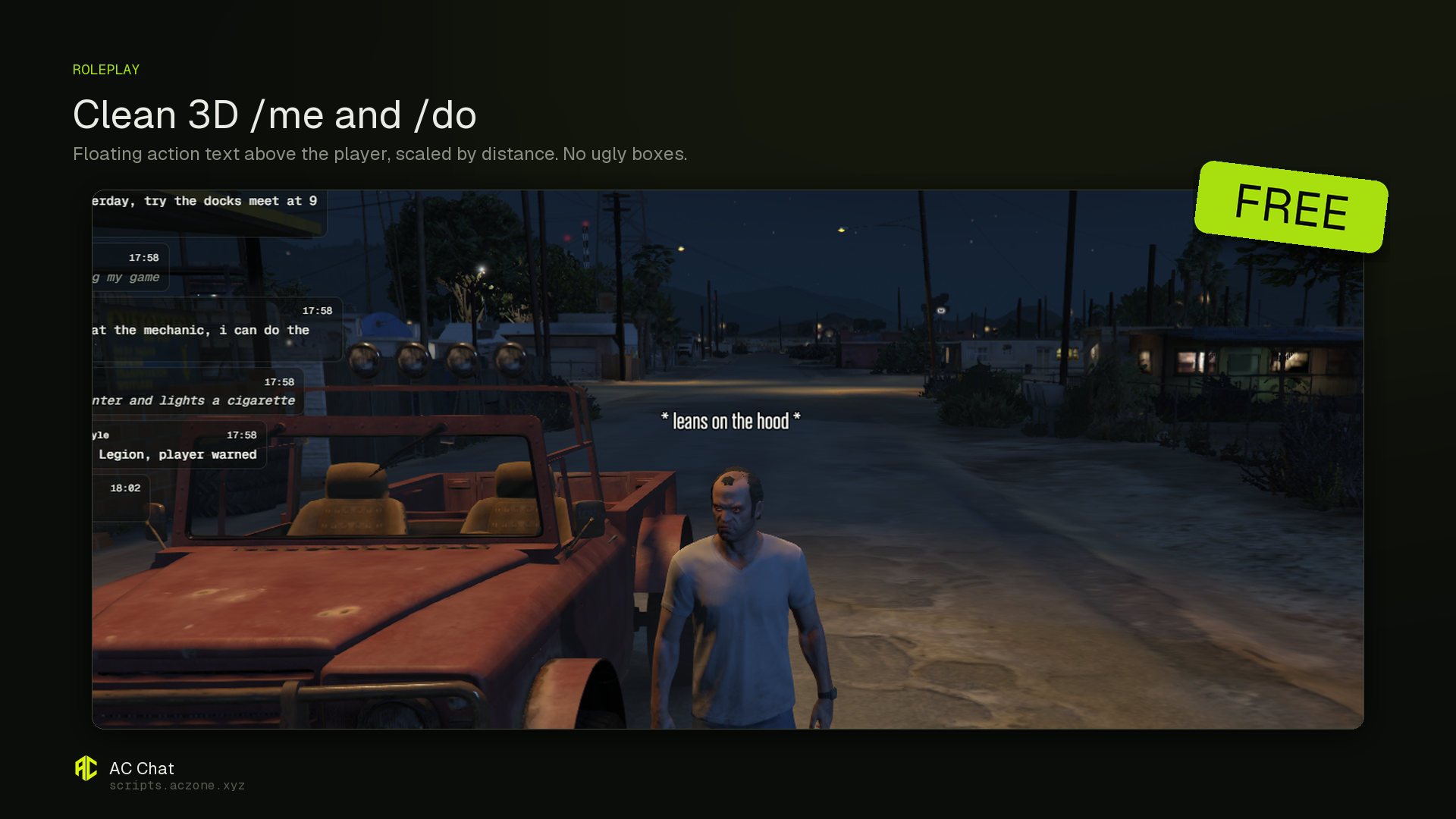
- Roleplay: /me, /do, /try, /looc, /dice, with clean floating 3D text, no boxes.
- Replies, emoji reactions, and @mentions with live player autocomplete.
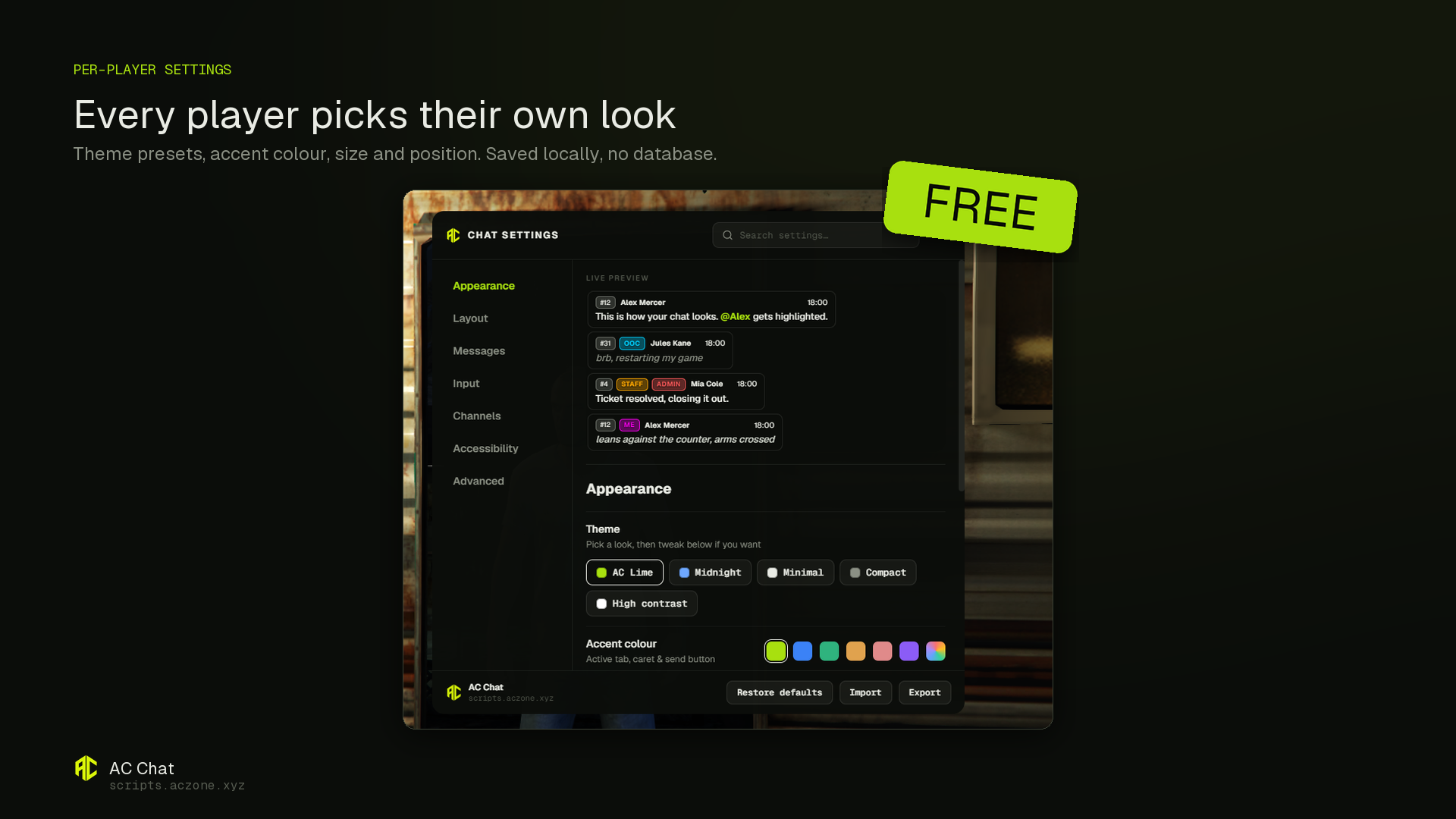
- Six message styles and five one-click theme presets. Every player customises their own look, saved locally with no database.
- Moderation: anti-spam, per-channel cooldowns, banned word filter, and anti-advertising that blocks Discord invites, server IPs and links.
- Mutes are keyed to the player licence, so reconnecting does not clear them.
- Staff tools (/clearchat, /announce, /mutechat, /unmutechat, /mutes) logged to Discord, with automatic OWNER / ADMIN / STAFF badges.
- Message history survives a relog. Built in languages: English, French, Spanish, Arabic.
COMPATIBILITY
Works on QBCore, QBox, ESX and standalone, detected automatically. No dependencies, no database. Drop-in replacement for the default chat; existing scripts that print to chat keep working. config.lua and the language files stay editable.
DELIVERY
Automated download. After checkout the resource is available to download instantly from your Tebex account. No manual steps, no waiting.
INSTALL
- Drop the ac_chat folder into your resources.
- Add ensure ac_chat to server.cfg.
- Remove any other chat resource, including the default chat.
- Restart. The framework is detected automatically.
- Grant your staff the admin permission (see the included README).